
Screenshots

Description
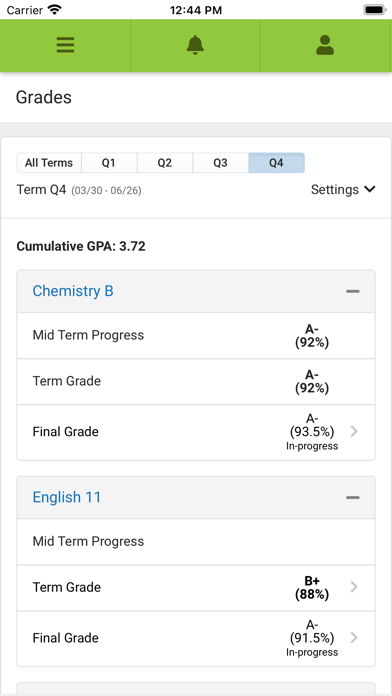
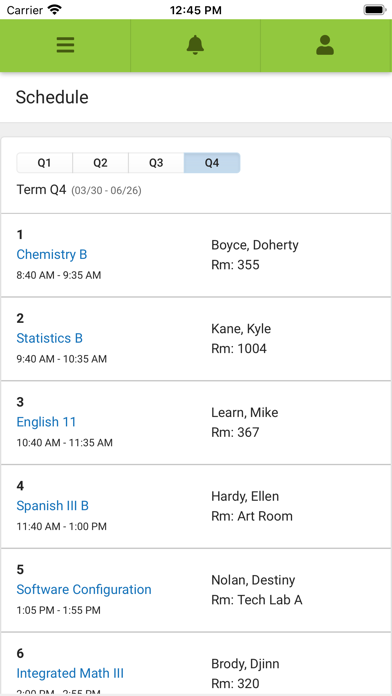
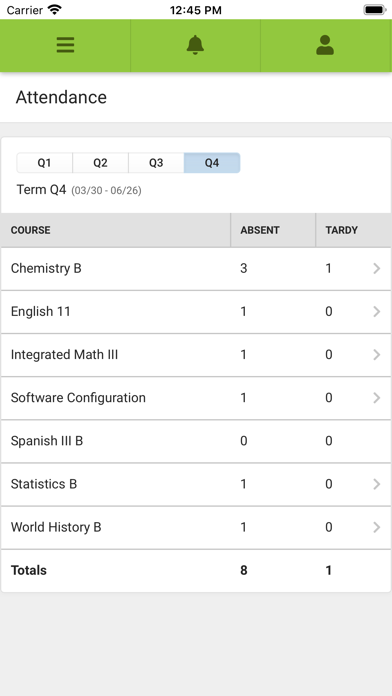
Stay connected to your school day anytime, anywhere. Campus Student puts your school information at your fingertips, with real-time access to announcements, assignments, attendance, grades, schedules, and much more. TO LOGIN: 1. Download the app 2. Search for your District Name and State – select your district from the list 3. Enter your Username and Password, provided by your school 4. If using a secure, private device, mark 5. Stay Logged In to receive mobile push notifications, if enabled by your school 6. Click Log In! NOTIFICATIONS: Students can receive alerts for grades, assignment scores, attendance changes, schedules, and more. SUPPORT: Due to privacy concerns, Infinite Campus does not maintain individual login information. Contact your school or district if changes are needed. For other questions, visit https://www.infinitecampus.com/support/parents-and-students. PLEASE NOTE: Your district must use the Infinite Campus Student Information System, and an active Infinite Campus account is required.
What’s New
Version 1.12.3 · 6/30/2026Various bug fixes.
Information
- Seller
- Infinite Campus, Inc.
- Category
- Education
- Version
- 1.12.3
- Requires
- iOS 15.1+
- Size
- 33.2 MB
- Age Rating
- 4+