
Export contacts by Covve
Covve Visual Network Limited
Productivity
★ 4.7 (113) 4+ 29.2 MB
View on App Store Screenshots

Description
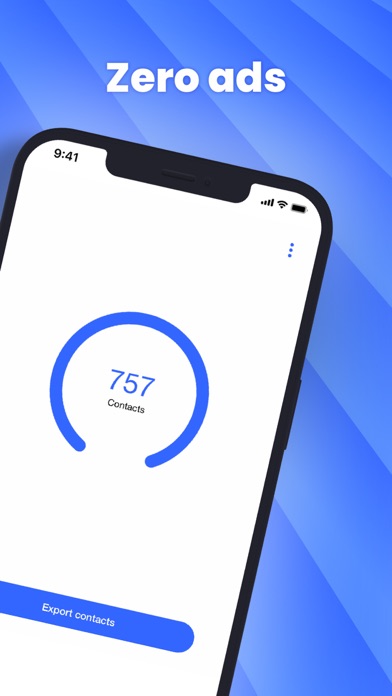
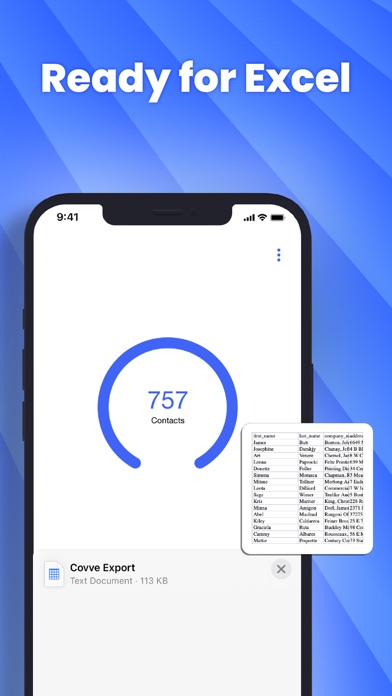
Export your iPhone contacts in CSV / Excel format. As simple as: - download and launch Covve Export - tap the ‘Export contacts’ button - choose where to save/send the file with your exported contacts The exported file contains all contacts and all contact fields, including notes. Export contacts by Covve does not need sign-up and your contacts are processed directly on your phone, guaranteeing your privacy. Covve Export is brought to you by the award winning team behind Covve. Contact us on [email protected] for any questions and feedback.
What’s New
Version 2.6.1 · 5/30/2025Resolves an issue reported by some users on ios18.4+
Information
- Seller
- Covve Visual Network Limited
- Category
- Productivity
- Version
- 2.6.1
- Requires
- iOS 13.0+
- Size
- 29.2 MB
- Age Rating
- 4+