
スクリーンショット

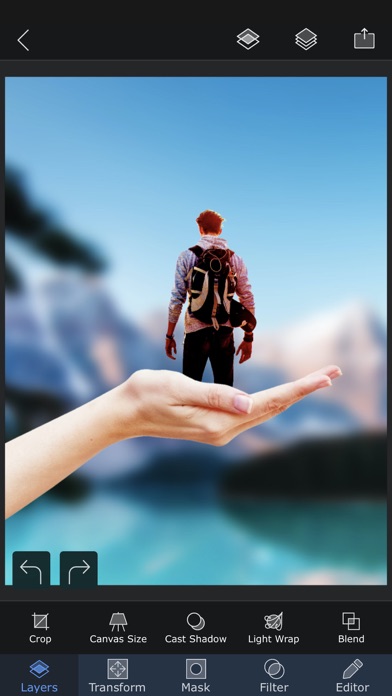
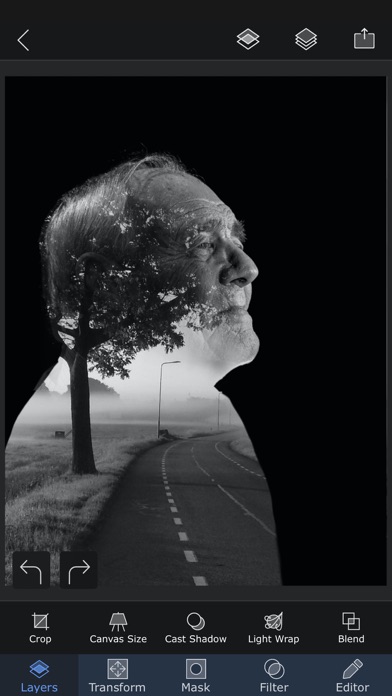
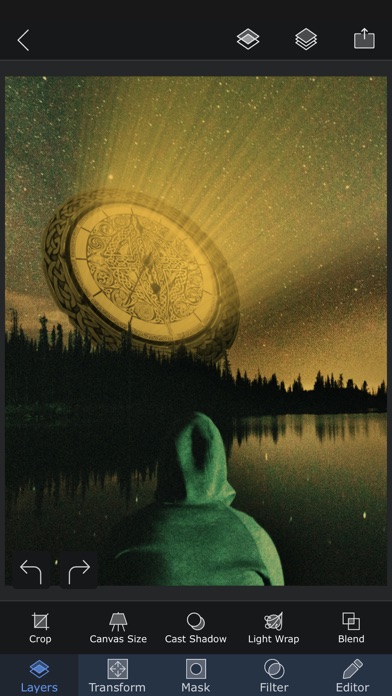
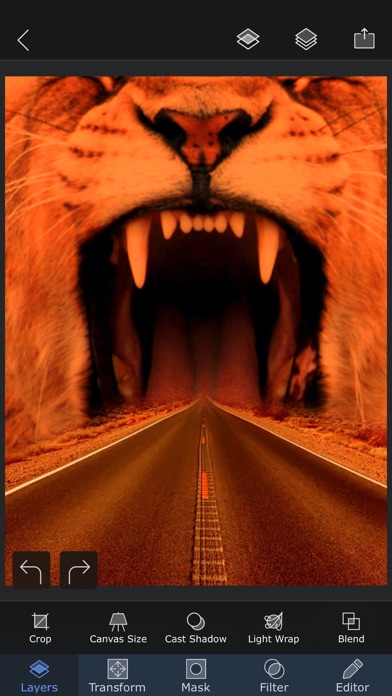
説明
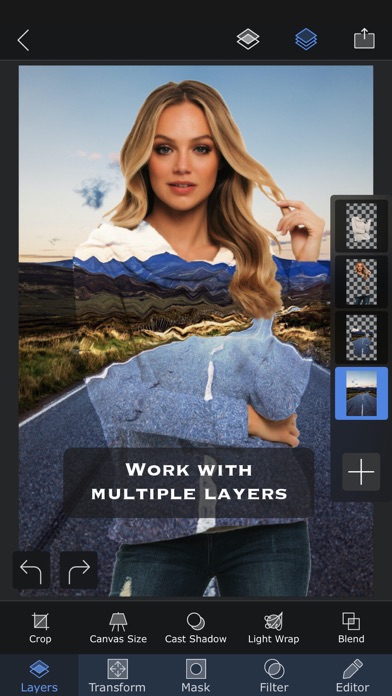
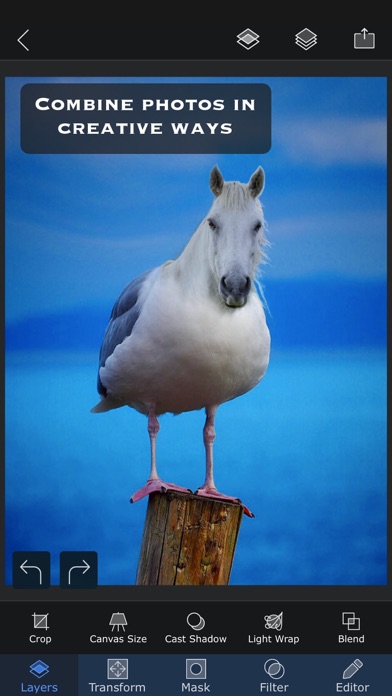
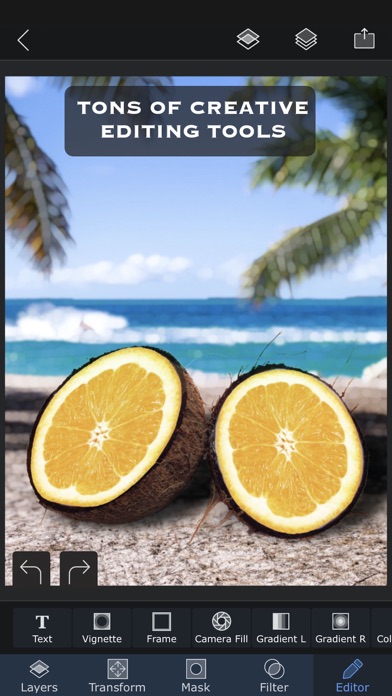
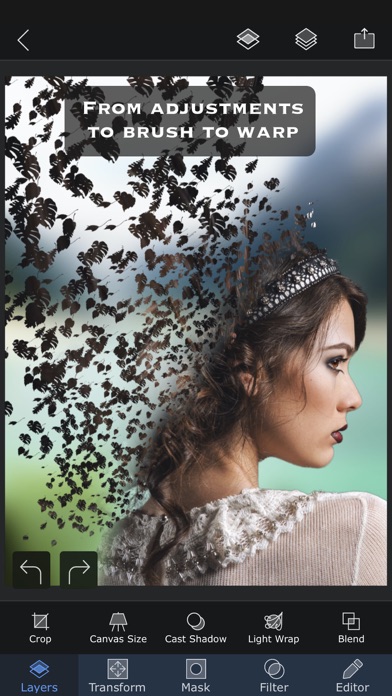
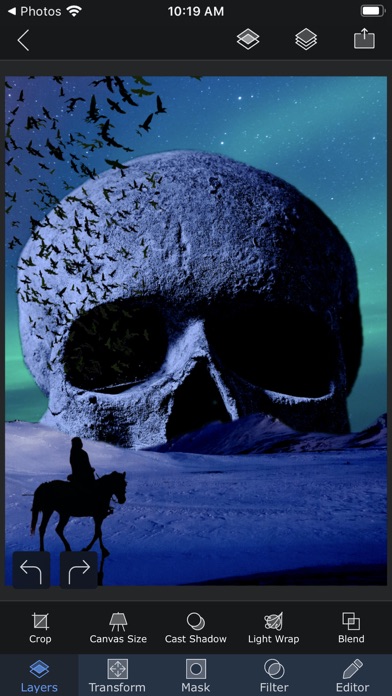
Superimpose X is a complete creative studio for photo editing, image compositing, and AI-powered visual creation. Build complex edits with layers, masks, blend modes, brushes, effects, adjustments, shadows, text, blur, warp, perspective tools, and more. Then push your ideas further with powerful AI features that help you generate images, edit photos, replace backgrounds, expand images, enhance details, relight scenes, create headshots, swap faces, turn sketches into finished images, and create short AI videos from still photos. Whether you are making social posts, thumbnails, designs, artwork, product images, profile photos, memes, edits, or professional composites, Superimpose X gives you both manual precision and AI speed in one app. Start with an idea, a photo, a sketch, or a blank canvas. Cut out people and objects, combine multiple images, paint masks, adjust colors, add depth, create shadows, apply effects, and refine every detail. When you want faster results, use AI to generate, transform, repair, extend, or animate your images. Superimpose X is designed for creators who want serious editing power without a complicated desktop workflow. Key features: • Layer-based photo editing with up to 24 layers • Advanced masking tools, including Magic Wand, Magic Lasso, brush masks, and shape masks • AI people masking • AI image generation from text • AI image editing and inpainting • AI background creation and replacement • AI outpainting and image expansion • AI image enhancement • AI relighting • AI sketch-to-image creation • AI headshot generation • AI face swap tools • AI image-to-image transformation • AI image-to-video generation • 18 blend modes • 16 adjustment layers • Non-destructive layer blur and adjustments • 63 photo effects • Clarity, color, tone, and detail controls • Text and curved text tools • Motion Blur, Zoom Blur, Spin Blur, Lens Blur, Selective Blur, and Gradient tools • Warp, perspective transform, and distortion tools • Paint, smudge, clone stamp, and effect brushes • Built-in shadow and Light Wrap tools • Camera fill with real-time masks and blend modes • Masking Library for reusable cutouts and stickers • Session Library that automatically saves your projects • PSD export with layers • Access to more than a million royalty-free stock photos Superimpose X gives you the freedom to create by hand, the speed of AI when you need it, and the control to make every result your own. If you already use the classic Superimpose app, you can transfer your saved masks into Superimpose X: 1. Open the original Superimpose app. 2. Tap the “?” button on the Home screen. 3. Choose “Transfer masks to Superimpose X”. 4. Your masks will be available in Superimpose X. Terms of use: https://www.superimposeapp.com/superimposex_terms_of_use.html Privacy Policy: https://www.superimposeapp.com/privacy2.html
新機能
バージョン 6.1.1 · 2026/6/30In old interface, the "Text" insertion tool when used, it leaves the Superimpose X tool hanging. This has been fixed now.
情報
- 販売元
- Pankaj Goswami
- カテゴリ
- Photo & Video
- バージョン
- 6.1.1
- 対応OS
- iOS 15.0+
- サイズ
- 361.8 MB
- 年齢制限
- 4+