スクリーンショット
説明
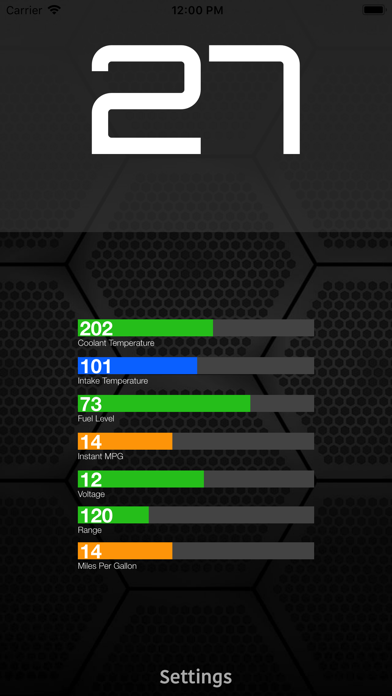
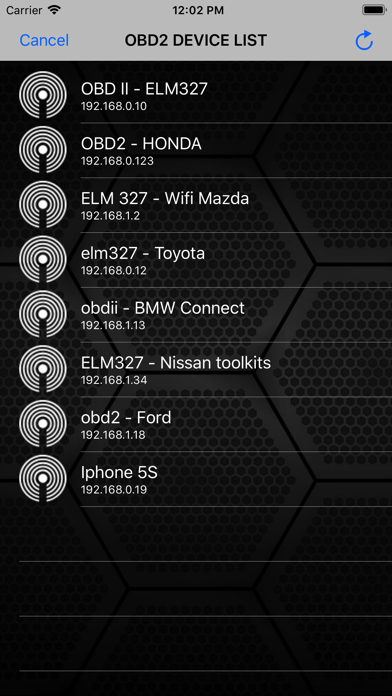
ScanMaster is an application for vehicle diagnostics to OBD-2 standards, communicates with an OBD2 / OBDII / ELM car interface device How to use: 1. Plug ELM327 WIFI Scanner into vehicle's OBD2 port. (Port is usually found on the driver side dashboard under the steering wheel.) 2. Turn ON ignition. (This is one step before engine is powered.) 3. Launch your ScanMaster App. Click "Settings" for scan list OBD2 device and select correct your OBD device for diagnostics. (default is 192.168.0.10 or 192.168.0.123) We would greatly appreciate the feedback on the app. Please send us an email about your experiences, opinions or suggestions.
情報
- 販売元
- SMART Technologies GmBH
- カテゴリ
- Business
- バージョン
- 3.0
- 対応OS
- iOS 8.0+
- サイズ
- 4.0 MB
- 年齢制限
- 4+